Shandong Gold Lead Machinery Co., Ltd.

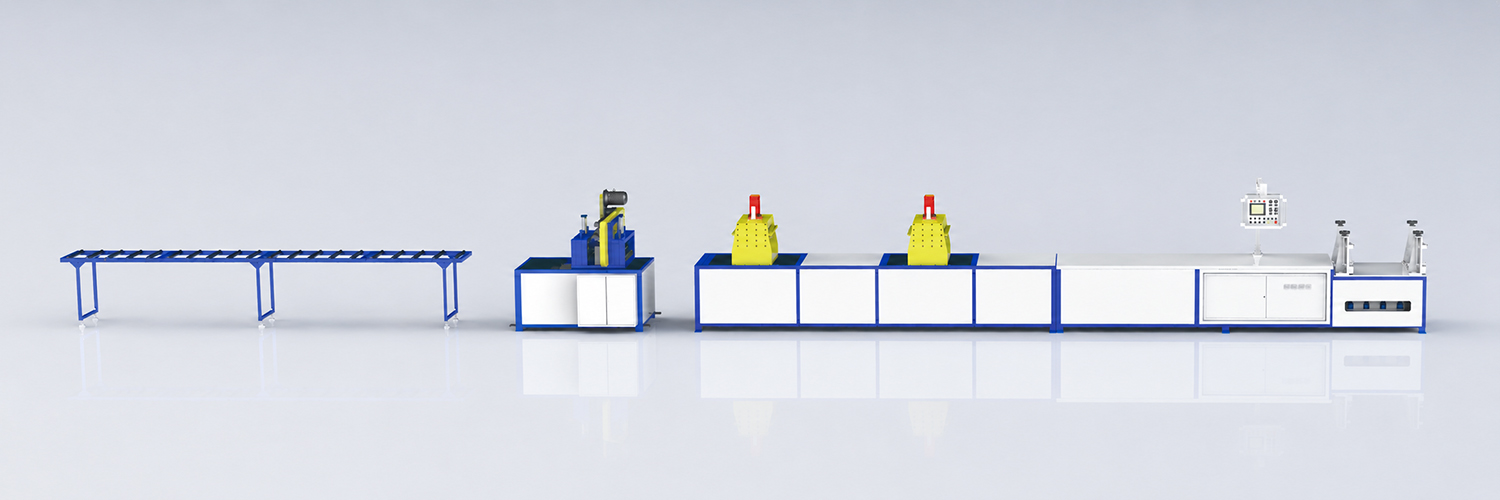
HMI Controls on Automated Caterpillar Pultrusion Machines
An HMI can give operators a useful view of a caterpillar pultrusion line, but its capabilities depend on the supplied controls. A touchscreen does not automatically provide data logging, recipe management or remote diagnostics.
Define what operators need to see and do
List the process values, machine states and alarms relevant to the proposed line. Ask which are measured, which are entered by the operator and which are calculated. Clarify access permissions and how approved settings are protected. Where recipes are offered, review how they are identified, changed and associated with the correct tooling and material.
Verify records and abnormal-condition handling
If logging is required, specify the data, time reference, retention and export needs. Ask for a demonstration using the actual proposed functions. Review alarm explanations and the operator's required response in the machine documentation. Do not assume that a logged value proves product conformity or that an HMI alarm replaces guarding and safety functions.
A practical decision example
If the buyer needs downloadable production records, ask for an export demonstration. A screen showing current values does not prove that historical data can be retrieved. Test the actual required workflow with identifiers and units before accepting a general data-logging claim.
Key checks
- Separate displayed values from recorded data
- Define access and recipe control
- Demonstrate required functions before acceptance
Next step
A clear HMI requirements list helps buyers compare controls meaningfully. It also gives training a practical focus: operating the supplied system and understanding what its information can and cannot establish.
Review the caterpillar pultrusion equipment information and share your product specification for a configuration and scope discussion.